Free Paint & color
Free Paint Color Visualizer
Try any wall colour on a photo of your real room.
Your photo
Surface
Colour · Walls
Warm neutrals
Greens
Blues & moody
Warm accents
Tap a wall with the magic wand, then brush to refine the edges.
Questions & answers
Good to know
How do I visualize a paint color on my own room?
Upload a photo of your room, click or brush over the walls to select them, then pick a colour from the palette or enter any shade. The visualizer repaints the selected walls instantly while keeping your real shadows and highlights, so you can see the colour on your actual space before buying paint. It is free and works in your browser with no sign-up.
Is this paint color visualizer free?
Yes. The Decorva paint color visualizer is completely free, runs entirely in your browser, and never asks you to create an account. Your photo stays on your device - nothing is uploaded to a server.
Can I see my room fully redesigned, not just repainted?
Yes - that is what the free Decorva app does. The web visualizer shows a quick flat colour preview; the app turns one photo into a photoreal redesign with furniture, materials and 150+ styles. It is free to start on iPhone, iPad and Android.
More free tools
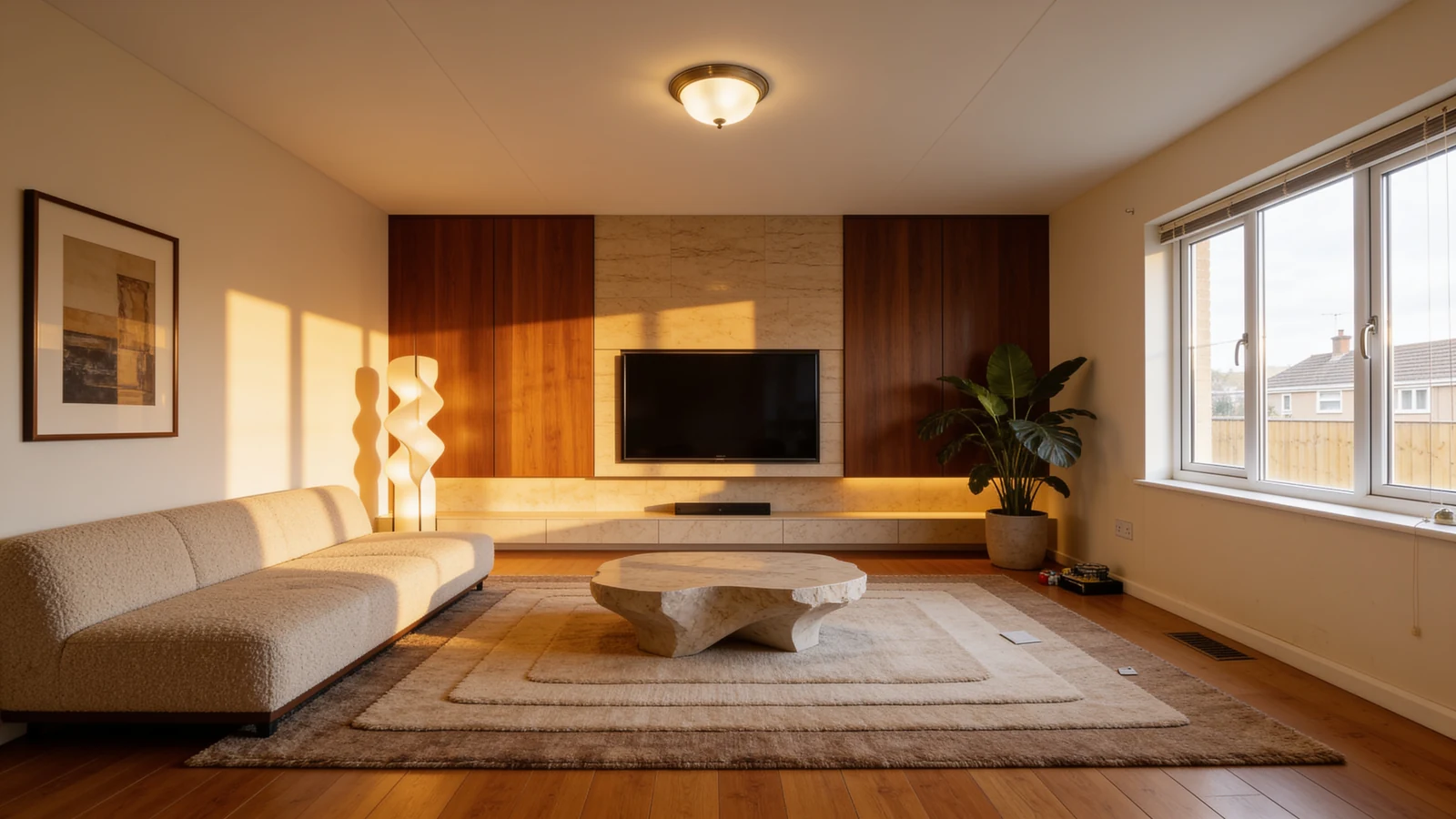
Your next space is one photo away
Download Decorva and redesign your first room in the next five minutes. Free to start, on every device you own.
Free to start · iPhone, iPad & Android